

Projects and access
Projects and station groups
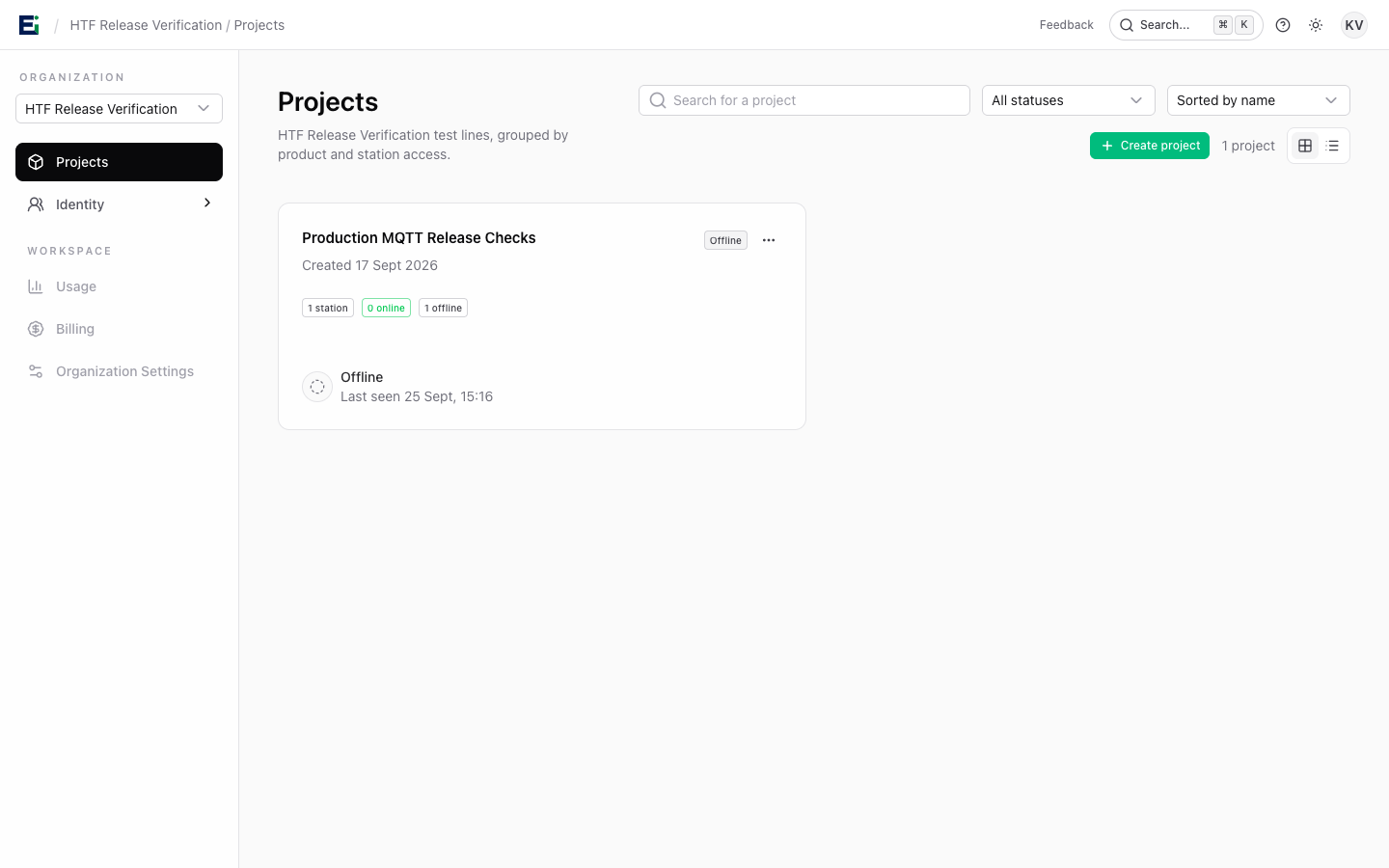
Create a project for each product line or test programme that needs its own stations and production records. A project contains its stations, firmware images, device records, and logs. Station groups let you organise jigs within a project.
An organisation owner or admin can create projects. If the organisation has no project, the onboarding page offers the first-project flow. In Projects, open a project to manage its settings and production resources.
Team access
Organisation owners and admins manage the team. Project Admin, Operator, and Viewer roles let a person manage, operate, or inspect a project's resources. Station Operator grants can limit run control to one jig. Invite colleagues from Team and grant the smallest access that covers their task.
Project administrators can manage existing organisation members' access from Project settings → Project access, within their own authority. They cannot create organisation invitations or change organisation roles. Permissions from project and direct station grants combine. See Roles and permissions for the full access choices.
Organisation owners and admins can define additional permission sets in Identity → Roles. Read Custom roles before creating or editing a shared definition.
Station identities
A station is provisioned with its own MQTT credentials and API key. Save the one-time values during creation. Do not share credentials between jigs. If credentials may have been exposed, rotate them in the operator UI and restart the station with the new values.
For an operator display mounted on a jig, HTF supports station-specific kiosk accounts. Kiosk access is separate from human team accounts.