

DUT records and IDs
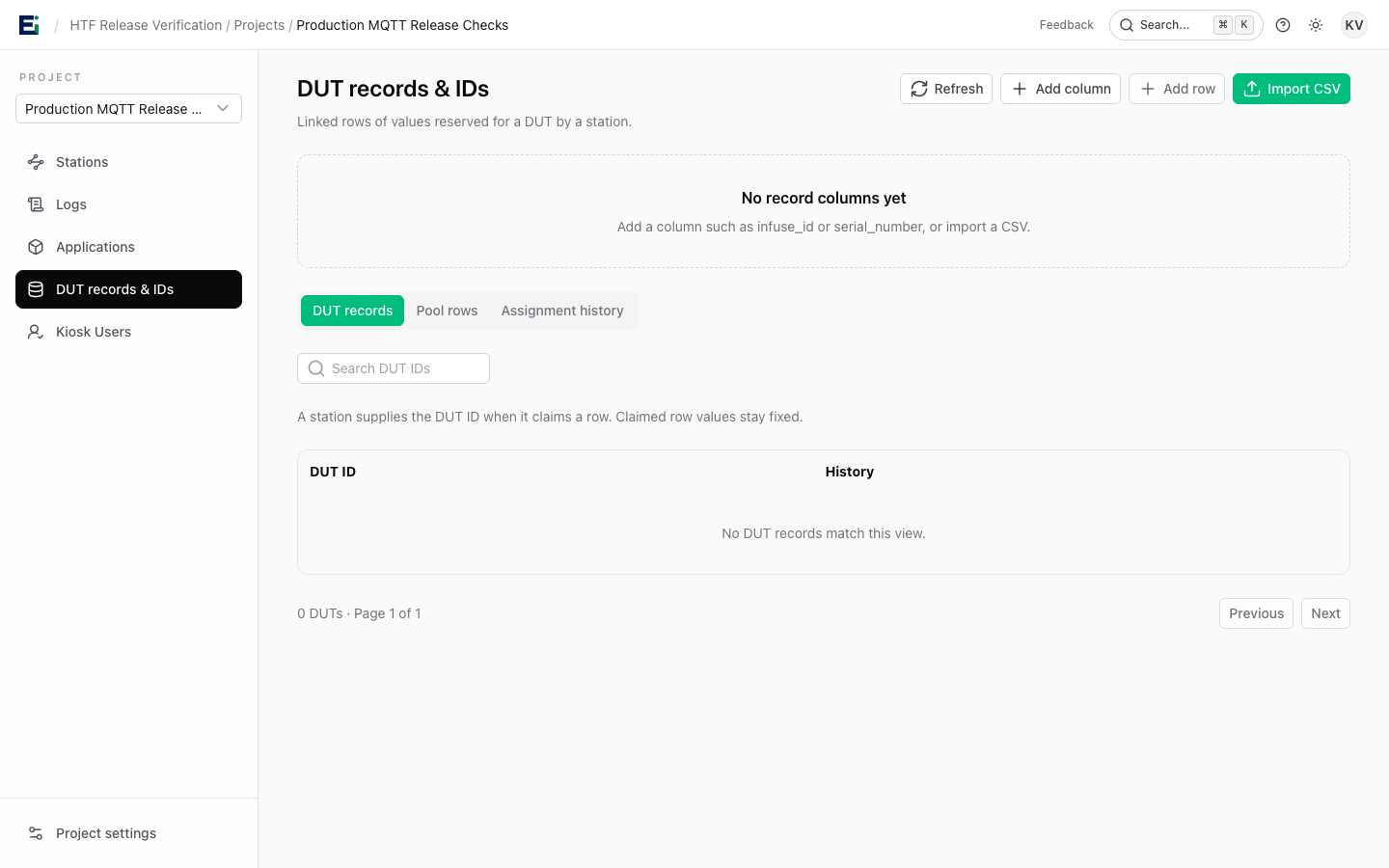
In a project, open DUT records & IDs to manage identifiers such as serial numbers. An organisation owner or admin can add columns and rows manually, or import a UTF-8 CSV and map each selected column to a project variable.
infuse_id,serial_number
0x0000000000000001,SN000001
0x0000000000000002,SN000002
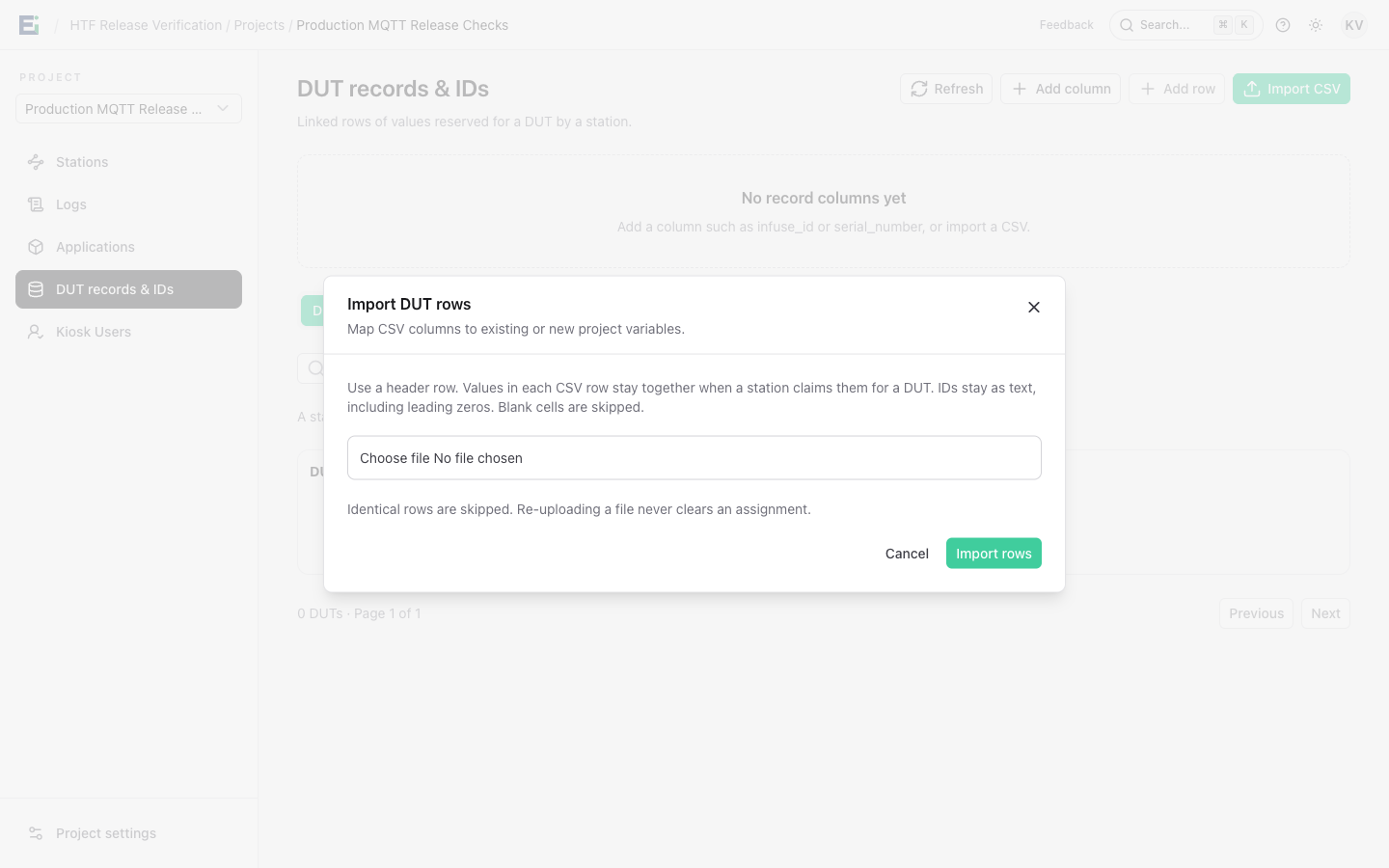
Each CSV row is a linked set of values. When a station requests variables for a DUT, HTF claims one eligible row and keeps its values together. Values stay as strings, preserving leading zeros and case, so use one consistent representation for each identifier type. The station supplies the DUT ID when it claims a row; it does not need to be a CSV column.
Select Import CSV, choose a file with a header row, and map its columns to existing or new project variables. Blank cells are skipped and identical rows are not imported again.
Use an ID in a run
- Add a
reserve_variablesstage before programming or registration. - Refer to a reserved value with a runtime expression such as
${provisioning.serial_number}. - After the external work succeeds, add
commit_variablesfor the values used.
stages:
  - name: Reserve IDs
    kind: reserve_variables
    variables: [infuse_id, serial_number]
    record_version: v2

  # Program and validate the device with the reserved values here.

  - name: Commit IDs
    kind: commit_variables
    variables: [infuse_id, serial_number]
Reservations do not expire automatically. If a stage fails after reservation, investigate the DUT and reconcile any external programming or registration before retrying. A claimed linked row stays with that DUT and cannot be released for reuse. The DUT records, Pool rows, and Assignment history tabs show the values, row status, and audit trail.