
Production workflows
Results and logs
See station health and investigate test outcomes.
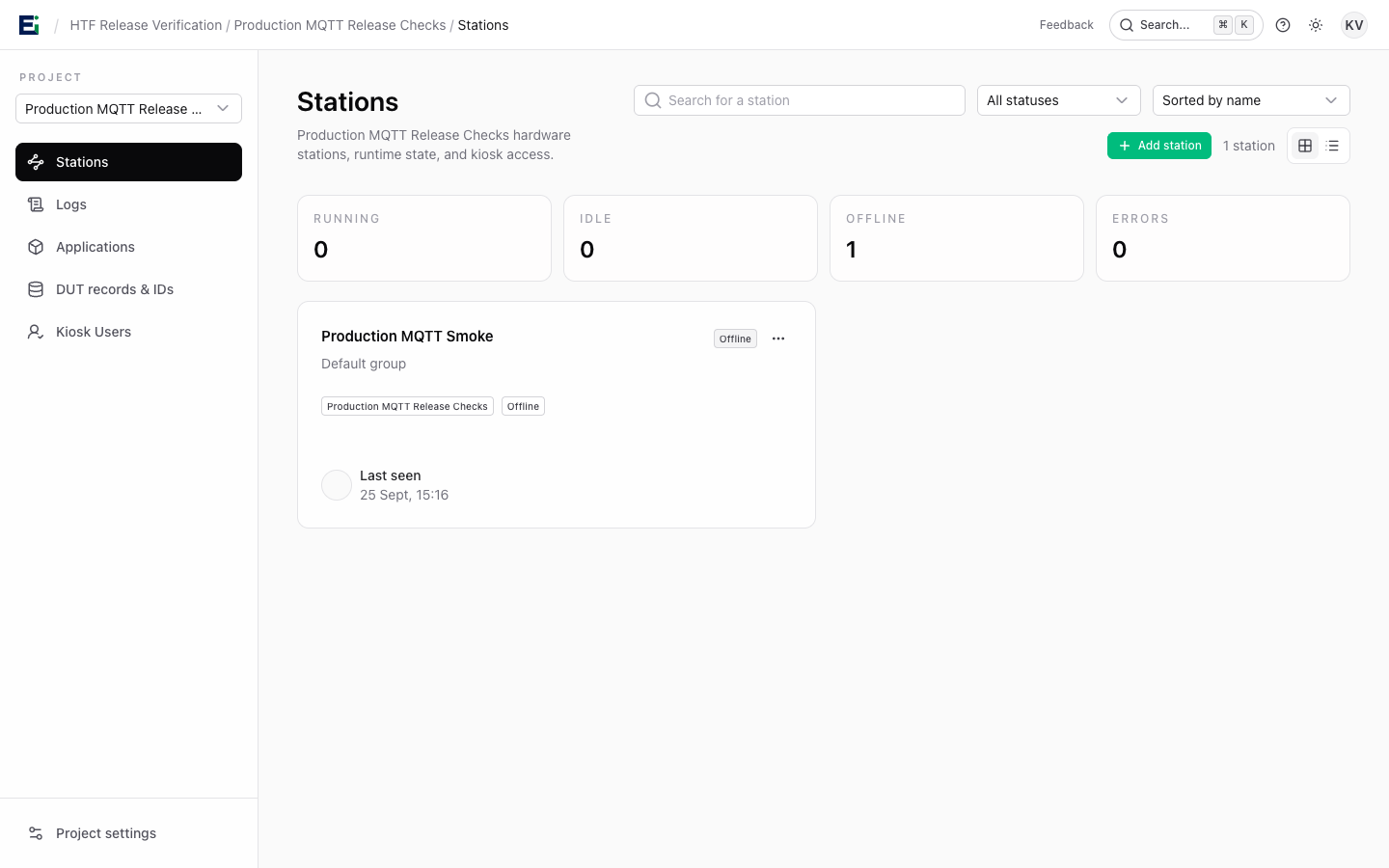
The Stations view shows stations across projects with status filters for running, idle, offline, and error. Open a station to see its details, current activity, and test history.
Investigate a failed DUT
- Find the station and run using its DUT ID or time.
- Open the run and identify the first stage that failed.
- Read its result and log output together with the station and firmware context.
- Check nearby station events for connection or hardware problems.
- Fix the cause, then run a new test; preserve the original result as evidence.
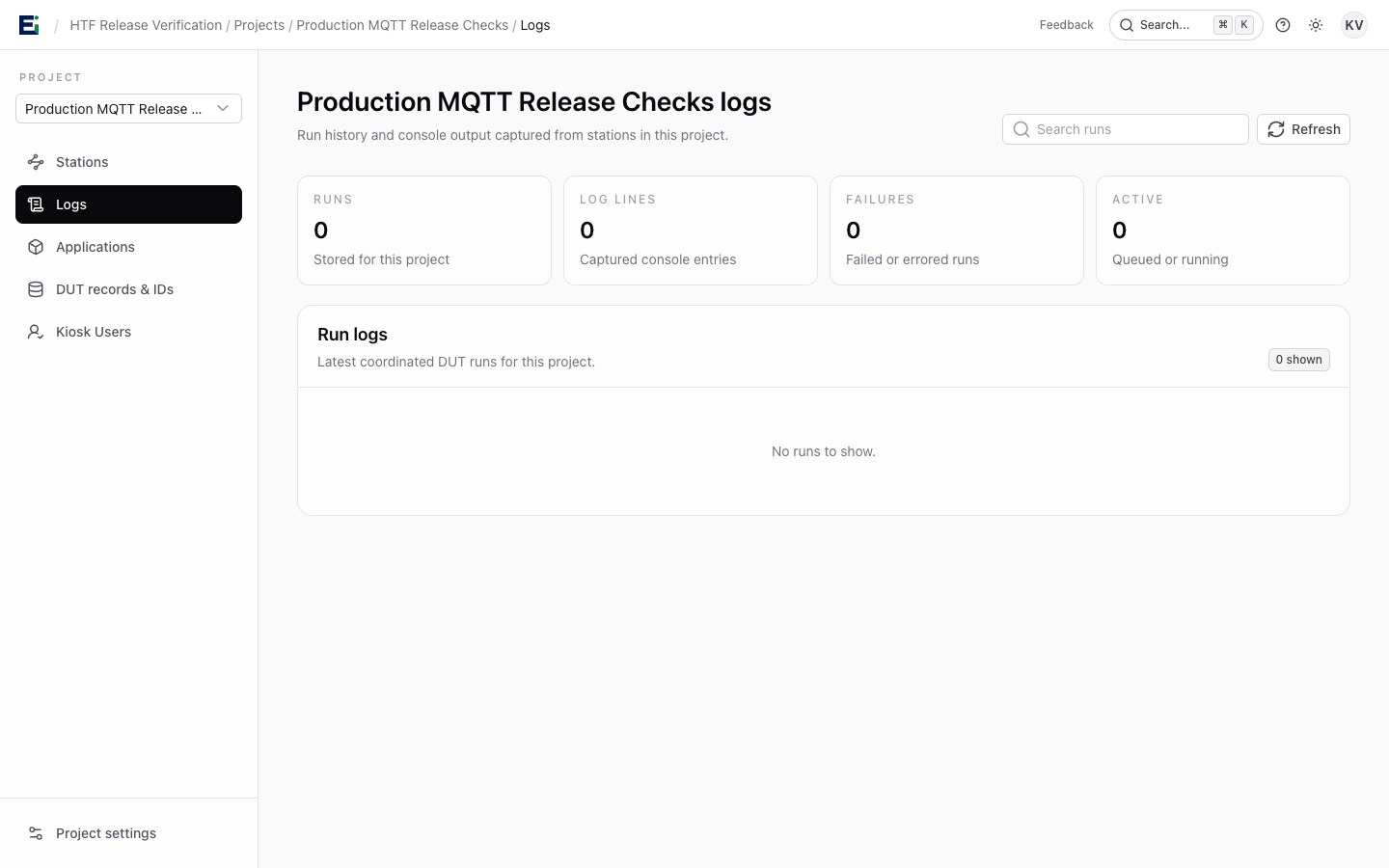
The project Logs area supports inspection of detailed log entries. The result, stage details, and logs belong together: a pass or fail by itself rarely explains what happened on a jig.
If a station is offline, check the station process and connection before attributing the missing run to a DUT. Troubleshooting lists the first checks.